
Switching to an online pharmacy used to mean calling your doctor, getting a new prescription, and waiting days for your meds to arrive. Not anymore. Thanks to digital prescription transfer, you can move your existing scripts-yes, even controlled ones-to an online pharmacy in under 48 hours, with just a few clicks. This isn’t science fiction. It’s happening right now, and it’s changing how millions of Americans get their meds.
What Exactly Is a Digital Prescription Transfer?
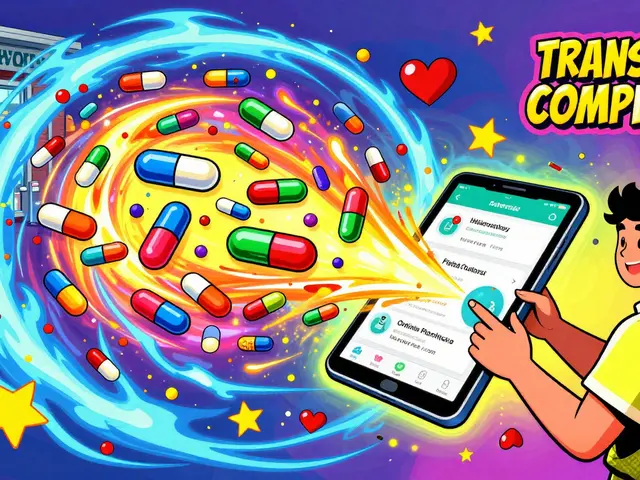
A digital prescription transfer is the electronic movement of your current prescription from one pharmacy to another. No faxes. No phone calls. No driving back to your old pharmacy to pick up a paper copy. It’s all done through secure systems that connect your current pharmacy, your prescriber’s electronic health record, and the online pharmacy you want to switch to.
This system became mainstream after 2023, when the DEA updated its rules to allow electronic transfers of controlled substances (like opioids, ADHD meds, and anxiety prescriptions) between pharmacies for the first time. Before August 28, 2023, if you wanted to switch from your local CVS to Amazon Pharmacy for your Adderall, you had to go back to your doctor and get a whole new prescription. Now? You can do it online, in minutes.
How It Works: A Step-by-Step Guide
Transferring your prescription digitally is simpler than ordering a pizza. Here’s how:
- Find your medication details. You’ll need the name of the drug, the dosage, and the name of your current pharmacy. If you have the prescription number, that helps-but it’s not always required.
- Go to your chosen online pharmacy. Whether it’s Amazon Pharmacy, CVS Pharmacy Online, or Walgreens, all have a "Transfer Prescription" button on their website or app.
- Enter your info. You’ll typically need your full name, date of birth, and phone number. Some apps (like CVS and Walgreens) now only ask for the medication name and your current pharmacy’s location. The rest is handled automatically.
- Confirm and wait. The system checks if your prescription is eligible for transfer. If it’s not a controlled substance, it usually completes within 24 hours. For controlled drugs, expect 48-72 hours due to extra verification steps.
Once approved, you’ll get an email or app notification. Your meds are shipped to your door-often with free shipping if you’re a Prime member or enrolled in a pharmacy loyalty program.
Why Digital Transfers Beat the Old Way
Phone and fax transfers were messy. Pharmacies misheard names. Prescriptions got lost. Doses got mixed up. A 2022 study in the Journal of the American Pharmacists Association found that digital transfers cut prescription errors by 47%. Manual transfers needed clarification in 25% of cases. Digital? Just 8%.
Convenience is the biggest win. A GoodRx survey in late 2022 showed 78% of users chose digital transfers because they saved time. One Reddit user transferred five prescriptions from Walgreens to Amazon Pharmacy in one afternoon and got confirmation emails within 90 minutes. That’s faster than waiting for a doctor’s office to open.
And it’s not just about speed. Once your script is transferred, you can set up automatic refills. No more running out of meds because you forgot to call in a refill. CVS users report saving 3+ hours a month just by automating refills after a digital transfer.
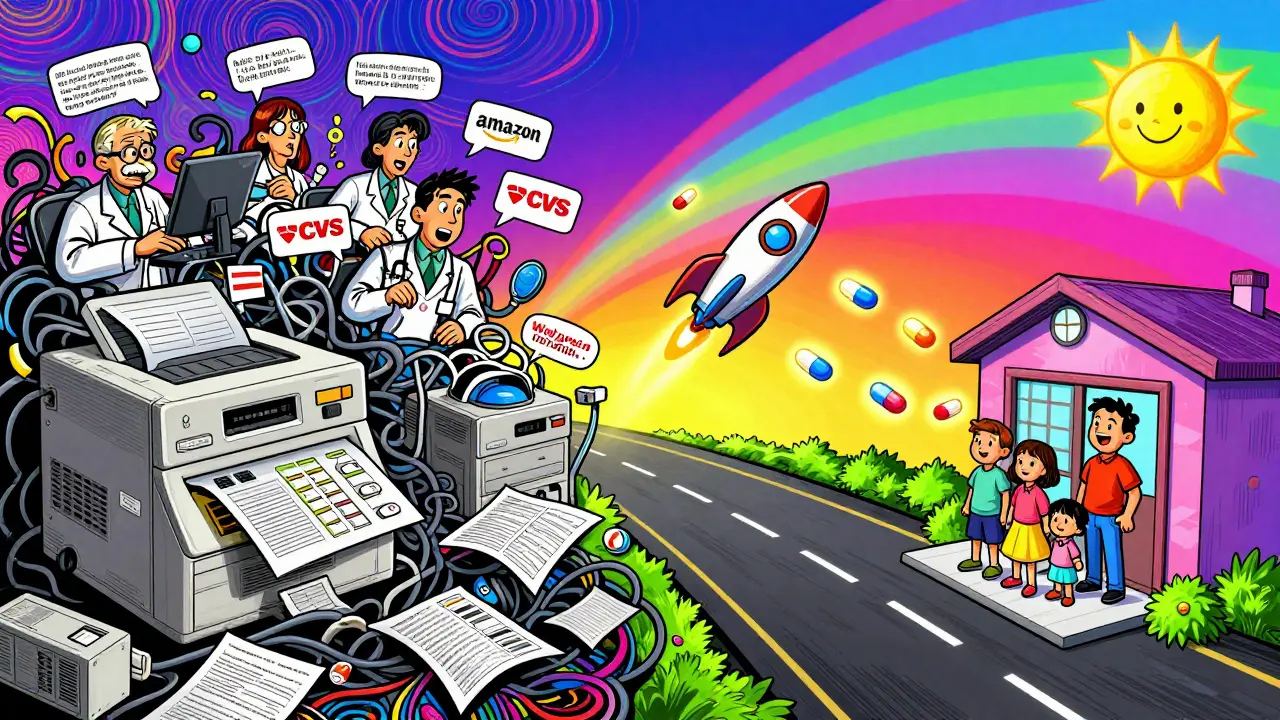
What You Can and Can’t Transfer
Not all prescriptions transfer the same way. Here’s the breakdown:
- Non-controlled substances (like blood pressure pills, statins, antidepressants): Can be transferred multiple times. No limit. Most online pharmacies accept these without issue.
- Controlled substances (Schedules II-V: oxycodone, Adderall, Xanax, etc.): Can only be transferred once under federal law. After that, you must get a new prescription from your doctor. This rule, set by the DEA in August 2023, was meant to prevent abuse-but it’s causing confusion. If you’ve already filled part of your oxycodone prescription at your old pharmacy, the remaining refills often can’t be transferred. About 63% of online pharmacies reject these partial transfers due to state-level confusion.
- Compounded medications (custom-mixed drugs): These are tricky. About 68% of transfer attempts require manual review because they’re not in standard databases. You’ll likely need to call the online pharmacy’s support line and send over documentation.
Who’s Leading the Market?
Three players dominate digital prescription transfers:
| Pharmacy | Transfer Success Rate | Controlled Substance Handling | Special Features |
|---|---|---|---|
| CVS Pharmacy Online | 92% first-attempt success | Follows DEA rules; single transfer only | 10,000+ physical locations help initiate transfers; integrates with Medicare Part D |
| Amazon Pharmacy | 88% success rate | Single transfer only; requires Prime membership | Free 2-day shipping for Prime members; auto-refill syncs with Alexa |
| Walgreens | 85% success rate | Single transfer only; 24-48 hour avg. completion | Mobile app lets you transfer with just medication name and pharmacy location |
CVS has the widest network because of its physical stores. Amazon leads in user experience for Prime members. Walgreens is the most user-friendly on mobile. Your best pick depends on what you value: speed, cost, or convenience.
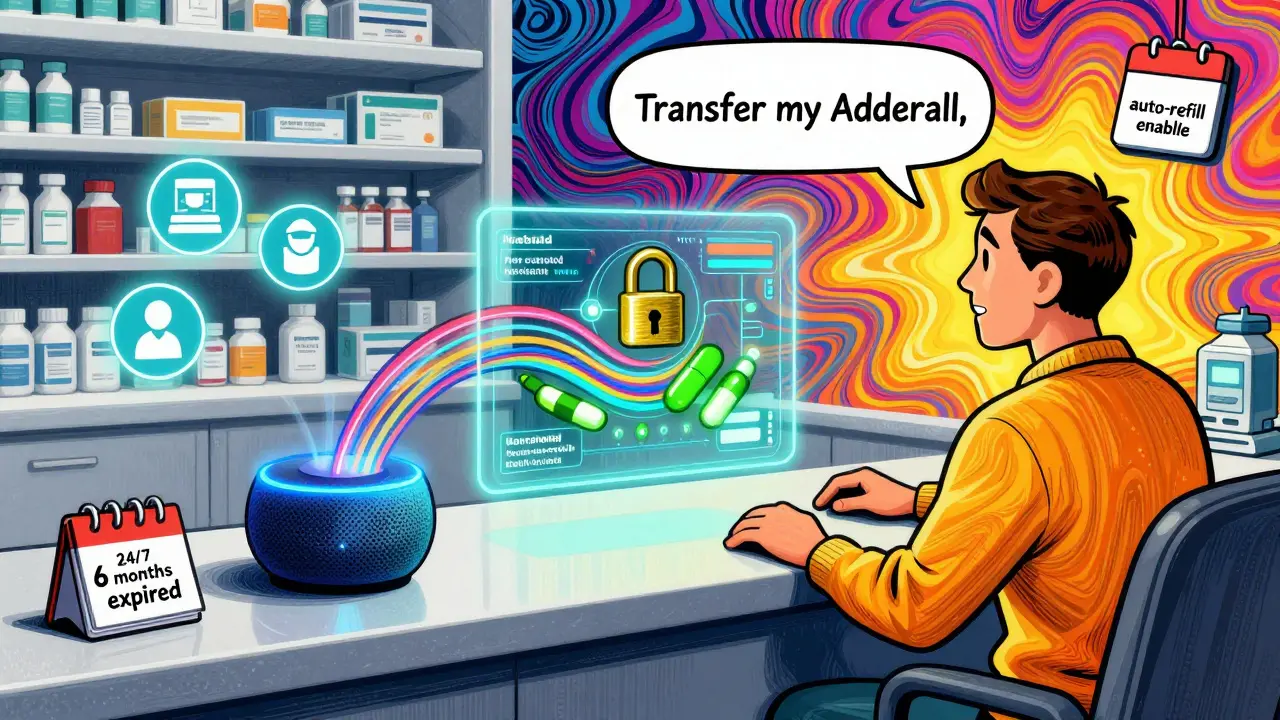
Common Problems and How to Fix Them
Most transfers work smoothly-but not all. Here’s what goes wrong and how to fix it:
- "My transfer failed." Usually, it’s because your patient info doesn’t match exactly between pharmacies. Double-check your name spelling, date of birth, and phone number. Even a typo in your middle initial can block the transfer.
- "My insurance won’t cover it." This happens with specialty drugs. Your old pharmacy might have had a special arrangement. Call the online pharmacy’s benefits team-they can often find a workaround or suggest a generic alternative.
- "I can’t transfer my controlled med." If you’ve already partially filled it, you’re stuck. You’ll need a new prescription. Talk to your doctor about switching to a non-controlled alternative if possible.
- "The pharmacy says my script is expired." Prescriptions for non-controlled meds expire after one year. Controlled meds expire in six months. Check your bottle’s expiration date. If it’s close, call your prescriber to renew before transferring.
If you hit a wall, every major online pharmacy offers 24/7 phone support. Amazon Pharmacy’s average wait time is 4.2 minutes. Traditional pharmacies? Over 12 minutes.
The Future: What’s Coming Next
Digital prescription transfers are getting smarter. Surescripts, the backbone of most U.S. pharmacy networks, is rolling out "Transfer 2.0" in early 2024. This update will let you see real-time transfer status-like tracking a package-right in your pharmacy app. Your doctor will see it too.
Amazon is testing voice transfers through Alexa. Say, "Alexa, transfer my blood pressure med to Amazon Pharmacy," and it happens. It’s in a pilot with 5,000 users now.
But there’s friction. California’s new law (SB 1056, effective Jan. 1, 2024) adds extra steps for controlled substance transfers that conflict with federal rules. That means online pharmacies serving California customers now face a patchwork of regulations. It’s messy-and it’s a sign that more state-level rules are coming.
Experts predict that by 2027, 75% of new pharmacy relationships will start with a digital transfer, not a walk-in visit. Younger patients, especially, expect this kind of convenience. It’s not just about saving time. It’s about reducing stress, avoiding missed doses, and staying in control of your health.
Is This Right for You?
If you’re tired of driving to the pharmacy, waiting in line, or forgetting to refill your meds, digital transfer is a game-changer. It’s faster, safer, and more reliable than the old way. Even if you take controlled substances, you can still benefit-just know the one-time transfer rule.
Start small. Pick one medication. Transfer it. See how it feels. If it works, do the rest. You might find yourself saving hours every month-and maybe even getting your meds faster than you ever did before.
Can I transfer my controlled substance prescription to any online pharmacy?
Yes, but only once. Under federal rules updated in August 2023, DEA-registered pharmacies can transfer electronic prescriptions for controlled substances (like opioids or ADHD meds) one time. After that, you need a new prescription from your doctor. Not all online pharmacies accept these transfers, so check their policies first.
How long does a digital prescription transfer take?
For non-controlled medications, transfers usually complete within 24-48 hours. For controlled substances, expect 48-72 hours due to extra verification steps. Some transfers, especially with CVS or Amazon Pharmacy, can finish in as little as 2 hours if your current pharmacy responds quickly.
Do I need to contact my doctor to transfer my prescription?
No, not for most transfers. Your current pharmacy sends the prescription electronically to the new one. The only exception is for controlled substances if you’ve already used part of your prescription-you’ll need a new one from your doctor. Also, if your transfer fails due to mismatched info, your doctor might need to reissue it.
Can I transfer prescriptions from a small local pharmacy?
It depends. Large chains like CVS and Walgreens use modern systems that connect to national networks like Surescripts. Smaller, independent pharmacies may still use outdated software and can’t send electronic transfers. If your local pharmacy can’t transfer digitally, ask them to fax or call the online pharmacy-but expect delays and possible errors.
Will my insurance still cover my meds after I transfer?
Usually, yes-but not always. Some specialty drugs or mail-order exclusives may have different coverage rules. Always check with your insurance provider or the online pharmacy’s benefits team before transferring. They can confirm your copay and let you know if a generic version is available.
What if my transfer doesn’t work?
First, double-check your name, date of birth, and current pharmacy details. If it still fails, call the online pharmacy’s support line. Most have 24/7 help and can manually process your request. You may need to upload a photo of your prescription label. Don’t give up-transfers often work on the second try.
Digital prescription transfer isn’t just a convenience-it’s a shift in how healthcare works. It removes friction, reduces errors, and puts you in charge. Whether you’re on a monthly blood pressure med or a yearly opioid refill, this system gives you more control, more speed, and more peace of mind. Start your first transfer today. Your future self will thank you.


January 11, 2026 AT 08:35
Jake Nunez
Just transferred my Adderall from Walgreens to Amazon last week. Took 38 hours, got a text when it shipped, and now I don’t have to drive 20 minutes to pick it up. Life changed.
Also, no more ‘did you call in your refill?’ voicemails from the pharmacy. Zero stress.
January 12, 2026 AT 21:24
Michael Marchio
Let me be clear-this ‘digital transfer’ nonsense is a regulatory loophole dressed up as innovation. The DEA didn’t ‘update rules’ to make life easier; they capitulated to corporate pressure because pharmacies realized they could monetize convenience. And now we’re supposed to be grateful that we can get our opioids delivered like a burrito? The fact that you can only transfer once is a band-aid on a bullet wound. What happens when your script runs out and you’re stuck waiting for a doctor who won’t see you for two weeks? This isn’t progress-it’s convenience capitalism with a side of federal hypocrisy.
January 14, 2026 AT 09:47
lisa Bajram
OH MY GOSH, YES!! I just did this with my anxiety med-Xanax-and I was SO nervous because I thought I’d have to beg my doctor for a new script, but NOPE!! It was literally three clicks, and my meds showed up in 48 hours with free shipping!!
I even set up auto-refills, and now I get a little notification every month like my phone is my personal pharmacy fairy. I’ve never felt so in control of my health!!
Also, if you’re scared of the ‘one-time transfer’ rule? Just transfer ONE med first-like your most urgent one-and see how smooth it is. Then do the rest. You’ll thank yourself later!!
And if you’re using CVS? Their app is *chef’s kiss*-it even remembers your old pharmacy’s name after you type it once. Magic.
January 14, 2026 AT 20:24
Ted Conerly
This is one of those things that sounds too good to be true until you actually try it. I transferred five scripts-blood pressure, cholesterol, antidepressant, thyroid, and a controlled med-and all five went through without a hitch.
Only thing I’d add: double-check your DOB and middle initial. My first try failed because I typed ‘J.’ instead of ‘James’-and the system didn’t like the abbreviation. Took me 10 minutes to figure that out.
Also, if you’re on Medicaid or Medicare, make sure the online pharmacy accepts it. Some don’t, and you don’t want to get your hopes up. But once it works? It’s a game-changer. No more pharmacy lines. No more missed doses. Just peace.
January 16, 2026 AT 17:18
Faith Edwards
While the logistical efficiency of digital prescription transfers may appear, on the surface, to be a laudable advancement in pharmaceutical logistics, one must critically interrogate the underlying sociopolitical implications. The normalization of pharmaceutical delivery via corporate behemoths such as Amazon fundamentally erodes the patient-pharmacist relationship-a cornerstone of clinical ethics. Furthermore, the DEA’s unilateral reinterpretation of Schedule II-V transfer protocols constitutes an alarming abdication of federal oversight, effectively outsourcing controlled substance regulation to profit-driven entities with no clinical accountability. One is left to wonder: is this innovation, or merely the commodification of vulnerability?
January 16, 2026 AT 20:42
Jay Amparo
As someone from India who’s watched this system evolve, I can say this: the U.S. is finally catching up to what other countries have done for years. In my home country, we’ve had e-prescriptions since 2018. You just log in, pick your pharmacy, and it’s done.
But what really moved me was reading how this helps people with anxiety or chronic pain. I’ve seen friends struggle with stigma just to get their meds. This system? It’s quiet. It’s private. It doesn’t make you feel like a criminal for needing help.
And yes, the one-time transfer rule is annoying-but it’s a start. We’ll fix the rest later. For now, this is huge.
January 18, 2026 AT 04:29
Lisa Cozad
Just wanted to say thank you for this post. I’ve been meaning to try this for months but kept putting it off because I thought it’d be complicated. I did my first transfer yesterday-just my blood pressure med-and it was so easy.
I didn’t even know I could use my phone to do it. I thought I’d have to print stuff or fax it. Nope. Just typed the name of the drug and my old pharmacy’s city. Done.
Now I’m going to do the rest this weekend. So simple. So freeing.
January 19, 2026 AT 15:37
Saumya Roy Chaudhuri
Everyone is acting like this is revolutionary, but let’s be real: if your pharmacy can’t handle a digital transfer, it’s because they’re still using Windows XP. I transferred my Adderall from a mom-and-pop shop in Ohio that didn’t even have a website, and it took three days because they had to fax it manually. That’s not the system’s fault-that’s their incompetence.
And yes, the one-time transfer rule is ridiculous. But guess what? That’s a DEA policy, not a tech problem. Stop blaming Amazon for Congress’s laziness.
Also, if you’re using Walgreens’ app and it doesn’t work? You’re probably typing your name wrong. I’ve helped six people fix this. Always check your middle name. Always.
January 21, 2026 AT 10:48
anthony martinez
Wow. A whole article about how to order medicine online. Next up: How to use a toaster. I’m sure this is groundbreaking for people who still think ‘pharmacy’ means ‘a place you drive to.’
Meanwhile, in 2024, my cat has more digital integration than half the people commenting here.